Try Remote Browser Isolation — For Free!
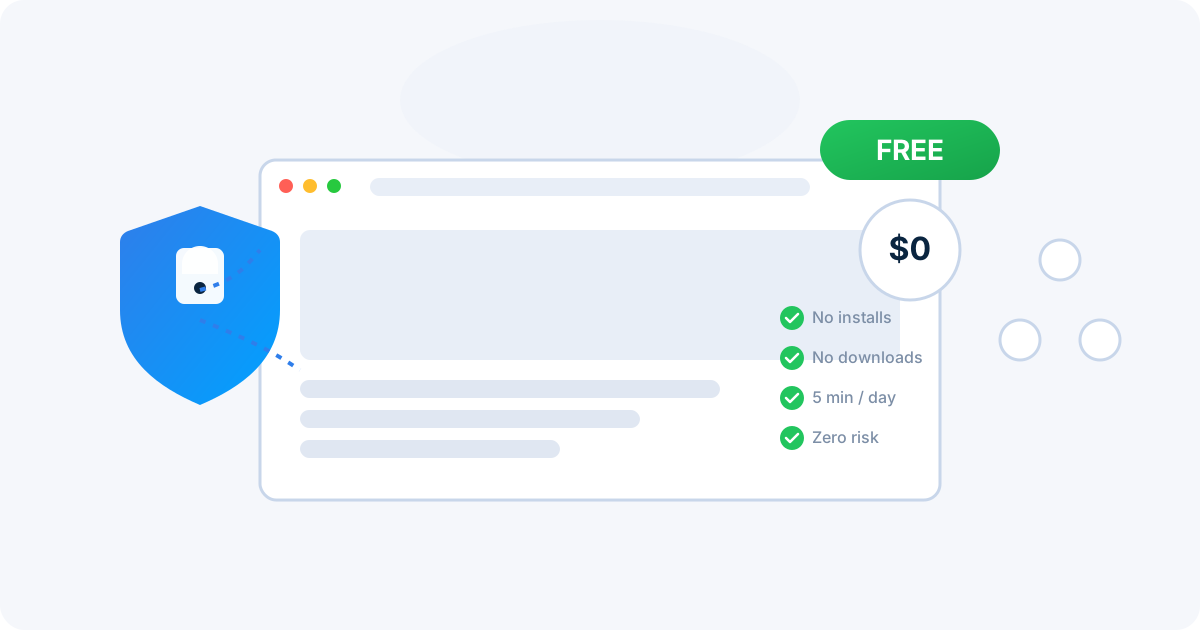
What Is Remote Browser Isolation (RBI)?
Think of RBI as a browser in the cloud. Instead of opening links directly on your laptop or office PC, RBI loads them on a secure servers in an isolated environment. You interact with a safe visual stream of the website. Any risky code or malware stays far away from your systems. Just pixels are streamed back to your browser.
When the session ends, the entire isolated environment is destroyed — taking any threats with it. Nothing persists, nothing escapes. It's security by design.
"Instead of trying to detect every possible threat, Remote Browser Isolation simply assumes all web content is untrusted and isolates it completely. It's prevention over detection."
RemoteBrowser Offers RBI — For Free
At RemoteBrowser, we believe everyone deserves safe browsing. That's why we offer a completely free tier that gives you real Remote Browser Isolation without any cost.
What You Get for Free:
5 Minutes / Day
Enough to check suspicious links, test untrusted sites, or browse anonymously.
1280 × 720 Resolution
Clear, readable display for a smooth browsing experience.
Zero Installs
No downloads, no software, no admin rights needed. Just open your browser.
Why Should Managers Care?
One bad click from an employee can cost thousands in lost time, ransomware payments, or data leaks. RBI reduces that risk to almost zero. With RBI, your staff can open links, check supplier sites, or even handle suspicious web apps without bringing danger onto the corporate network.
The best part? You can start with our free tier to evaluate the technology before committing to an enterprise rollout. No contracts, no commitments.
Will RBI Slow Down Productivity?
Not at all. Modern RBI is built to be fast. Websites load almost instantly, and users barely notice they're browsing through a secure remote session. RemoteBrowser uses optimized streaming protocols to ensure a smooth, responsive experience.
For management, this means stronger security without hurting productivity. For employees, it's seamless — RBI looks and feels like a normal browser, so most won't even notice the difference.
How Does RBI Compare to Firewalls and Antivirus?
Firewalls and antivirus tools are like locks on the door. RBI is like moving the door itself into a safe building across the street. Even if malware tries to sneak in, it never reaches your office network.
| Feature | Firewall / Antivirus | Remote Browser Isolation |
|---|---|---|
| Approach | Detect and block known threats | Isolate all web content by default |
| Zero-day protection | Limited — needs signature updates | Complete — threats never reach your device |
| Phishing protection | Relies on URL reputation databases | Even unknown phishing sites are contained |
| User experience | May block legitimate sites | Transparent — users browse normally |
| Residual risk | Malware can bypass detection | No executable code reaches the endpoint |
Think of RBI as another strong layer in your security stack. It works alongside your existing tools, not as a replacement.
RBI and Phishing Protection
Phishing remains the number one attack vector for organizations of all sizes. With RBI, your team can click on links from suspicious emails inside an isolated session. If the site turns out to be a phishing trap or hides malicious scripts, it can't escape the isolated environment. The real endpoint stays clean.
This is especially valuable for:
- IT and security teams who need to safely investigate suspicious URLs
- Employees who receive links they aren't sure about
- Compliance teams handling sensitive data in regulated industries
- Remote workers browsing from personal or shared devices
Compliance and Regulations
Many industries — finance, healthcare, government — require strict data protection. RBI helps by keeping risky code and malware away from local systems entirely. This reduces compliance headaches and demonstrates to auditors that your organization takes security seriously.
RemoteBrowser's isolation architecture supports requirements from frameworks like GDPR, HIPAA, PCI-DSS, and SOC 2.
No Special Hardware or Software Needed
Just go to app.remotebrowser.io in your normal browser. RemoteBrowser uses modern web technology (HTML5, WebRTC, WebSockets) to stream the remote session. No downloads, no installs, no admin rights needed.
We also offer browser extensions for Chrome and Firefox for even quicker access.Just install the extension and you are ready to go. Left click on the links and open them in the remote browser.
Need More? Upgrade Anytime
The free tier is a great way to experience RBI. When you're ready for more, our paid plans offer:
- Unlimited sessions per day — no time limits
- Higher resolution (1600 × 900)
- Persistent storage for files and bookmarks. Only files you upload are stored.
- More applications beyond the browser
- 24/7 support from our team
Professional plans start at just $10/month. Enterprise plans with dedicated server pools, custom images, and advanced controls are also available.
How to Get Started
- Sign up for a free account at app.remotebrowser.io
- Launch an isolated browser session from your dashboard
- Browse safely — visit any site, click any link, open any file
- Close the session and everything is destroyed. No traces, no risk.
It takes less than a minute to go from sign-up to your first isolated browsing session.
Ready to Browse Safely — For Free?
Create your free account and experience Remote Browser Isolation in seconds. No credit card required.

RemoteBrowser Team
Security experts passionate about making the web safer for everyone.
 All system normal